About Assassin’s Creed Shadows
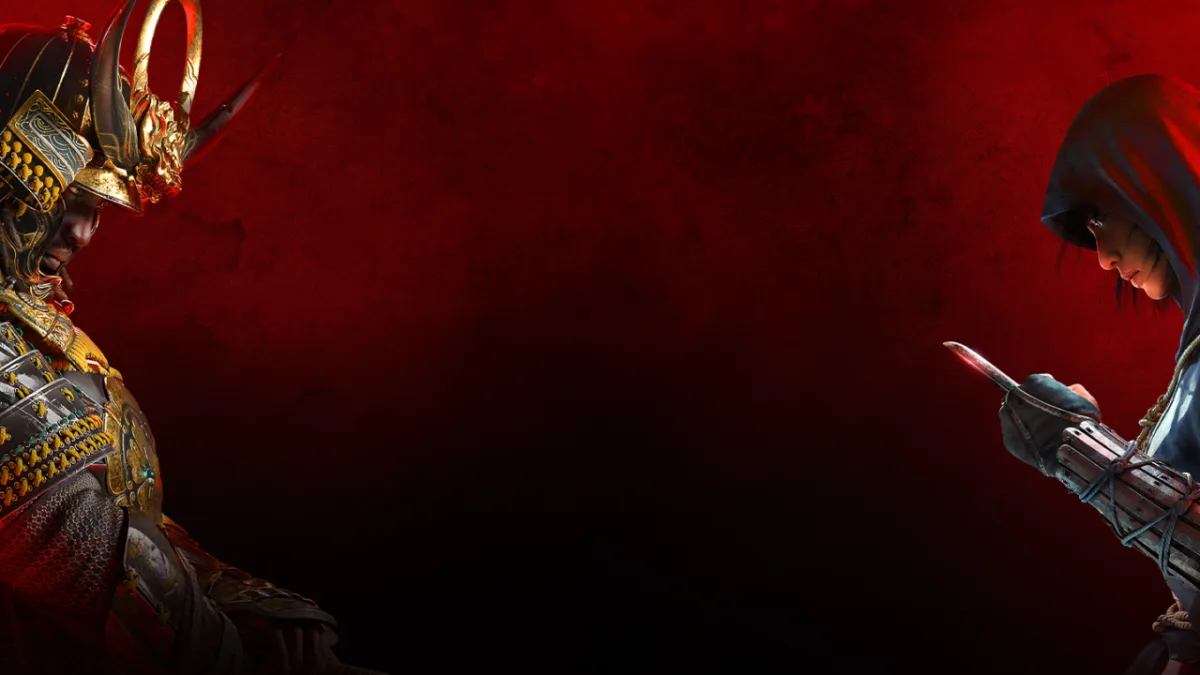
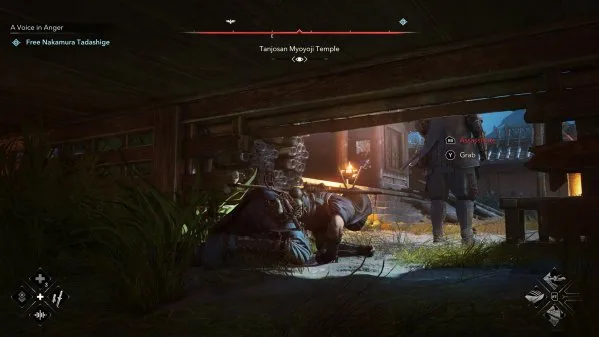
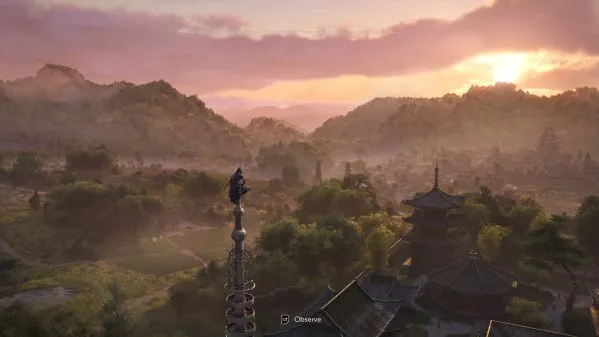
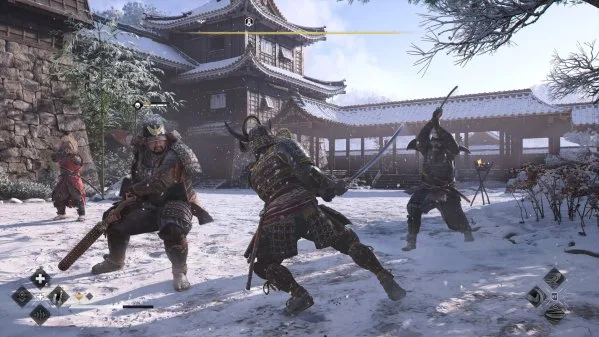
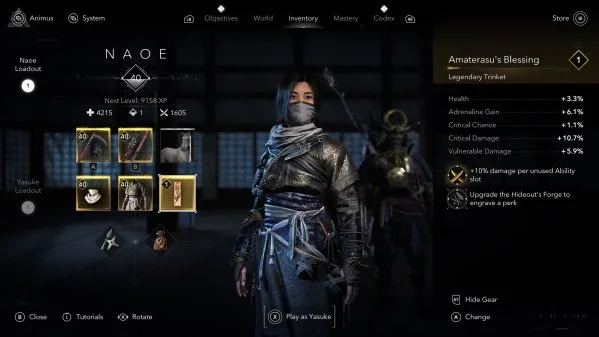
Play as Naoe, a quick-witted shinobi, and use light, sound, and shadows to evade detection. Infiltrate enemy strongholds with many parkour options including the new grappling hook, distract guards with shuriken or smoke bombs, and assassinate your targets with your Hidden Blade. As the samurai Yasuke, use silent bow takedowns or unleash devastating melee combos with your katana or naginata. Switch between these two heroes to adapt your strategy and experience feudal Japan through two radically different approaches – stealth and strength, shadows and steel. DEEP-DIVE INTO THE CAPTIVATING WORLD OF ASSASSIN'S CREED SHADOWS “Assassin’s Creed Shadows creates one of the best versions of the open-world style.” —IGN Step into feudal Japan like never before! From majestic castle towns to serene shrines and sweeping countryside, Assassin’s Creed Shadows offers a breathtaking open world where dynamic seasons, shifting weather, and environmental destruction affect your tactical approach. And, to get full immersion, experience the game through Japanese voiceover. DISCOVER THE MOST TECHNICALLY ADVANCED ASSASSIN’S CREED GAME YET “It leads to one of the most dynamic, fun, and best-looking open-world games I’ve played this generation.” —Kotaku Experience a true next-gen leap with Assassin’s Creed Shadows, powered by the updated Anvil engine. Explore a world brought to life with ray-traced Global Illumination, real-time reflections, virtualized geometry, and dynamic wind and environmental particles. From the shimmer of lantern light on rain-slick rooftops to the rustle of cherry blossoms in the wind, every detail is crafted to immerse you deeper into feudal Japan. A GLOBAL HIT Whether you are a veteran Assassin’s Creed player or new to the franchise, feudal Japan awaits you! Join a community of millions of players and discover a title GameSpot describes as "an absolute blast to play," Eurogamer.es as "the best Assassin's Creed of the modern era" and GamingTrend as “the new benchmark for the series.” Recommended For You: If you enjoy this game, also check out Assassin’s Creed Black Flag Resynced (v1.0.6 & ALL DLCs) and Shadows of the Afterland and Assassin’s Creed Rogue Free Download (Build 13373337) for more top-rated gameplay. Looking for more top titles? Explore our complete rankings in the Best Open World Games guide.
Key Features & Highlights
- Full Pre-Installed Release: Ready to play immediately upon extraction—no third-party setup or installer required.
- All Latest Updates & Patches: Fully updated to the latest build with performance optimizations, bug fixes, and bonus content.
- Dynamic Open World Gameplay: Deep progression systems, responsive mechanics, and varied difficulty curves.
- High-Fidelity Audio & Visuals: Polished textures, smooth framerates, and rich sound design optimized for modern PC hardware.
- Verified Clean & Safe: 100% verified files free from bloatware, spyware, or intrusive background processes.
Instructions
- Click the Download button below and you will be redirected to UploadHaven.
- Wait 5 seconds and click on the blue ‘download now’ button. We recommend using a download manager (such as FDM) for maximum download speeds.
- Once the game is finished downloading, right click the .zip archive and click on “Extract to Assassin’s Creed Shadows v1.1.11.zip” using 7-Zip.
- Double click inside the extracted folder and run the setup application or executable as Administrator. Enjoy playing!
Assassin’s Creed Shadows Free Download (v1.1.11)
Assassin’s Creed Shadows (v1.1.11)
Size: 155 GB
Reminder: This download is completely free and won't cost you a penny. However, If you love the game and want to purchase it, you can support the developers by doing so here.
System Requirements
- Requires a 64-bit processor and operating system
- OS: Windows 10, 11 (64-bit)
- Processor: Intel Core i5-10400 / AMD Ryzen 5 3600
- Memory: 16 GB RAM
- Graphics: NVIDIA GeForce GTX 1660 Super / AMD Radeon RX 5600 XT
- DirectX: Version 12
- Storage: 155 GB available space
Screenshots
Frequently Asked Questions & Setup Guide
Q: My antivirus flagged one of the files as a threat. Is this game safe?
A: Yes, all files on our site are 100% verified clean. Antivirus software may occasionally flag steam_api.dll or crack files as false positives due to modified game binaries. Temporarily whitelist the game directory before extracting.
Q: I get a missing DLL error (e.g., VCRUNTIME140.dll, MSVCP140.dll, or D3DCOMPILER). How do I fix it?
A: Missing DLL errors indicate missing Windows system libraries. Ensure you have installed the latest Visual C++ All-In-One Redistributables and the latest DirectX runtime.
Q: Where are my game save files located?
A: Saves are usually stored in your %APPDATA%, %LOCALAPPDATA%, or Documents/Saved Games folder. Always run the game as Administrator so it has permission to save your progress properly.
Q: Can I play online or multiplayer with friends?
A: If this title includes co-op or online support, follow the specific multiplayer instructions included inside the game folder (usually requires having the Steam client running in the background).