



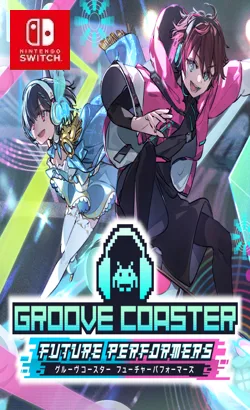
01003F80212D8000An Overwhelming Fusion of Music and Visuals Groove Coaster is a rhythm game where you play along while racing down tracks that twist and turn to the music. With dynamic sound and light effects, you’ll feel completely immersed—as if you’ve stepped into a world of music and are performing right inside it! Enhanced Visuals For the first time in the series, the gameplay screen features a full horizontal layout, letting the world of music fill your entire view! Visual expression has been greatly improved, and some songs even include scenes using the original music videos! Two Play Styles to Choose From You can select from two different play styles to match your skill level!
Update 1.0.13 (v851968)
Please report any broken/dead/missing links in the comment section.
Installation & Setup Guide
Option 1: Installing on Nintendo Switch (Atmosphere CFW)
- Download all game archive parts from the mirrors above into a single folder on your PC.
- Extract
part1.rar(or the single archive) using 7-Zip to get the.nsp,.nsz, or.xcifile. - Connect your Nintendo Switch to your computer with a USB-C cable and launch DBI on the console.
- Select Run MTP Responder in DBI, then drag-and-drop the ROM file into the MicroSD install drive.
- Wait for the install bar to reach 100%, disconnect the USB cable, and launch the game from the Switch Home Menu!
Option 2: Playing on PC / Android (Ryujinx, Sudachi, or Suyu Emulator)
- Download and extract the game archive to obtain the
.nspor.xcifile. - Open your Switch emulator (such as Ryujinx or Sudachi) and ensure your
prod.keysand firmware are updated to the required version. - Click File > Load Application (or configure your game directory) and select the game file.
- Configure your controller under Input settings and start playing!


Explore the complete catalog in our Nintendo Switch Games and Full Game Index.















