



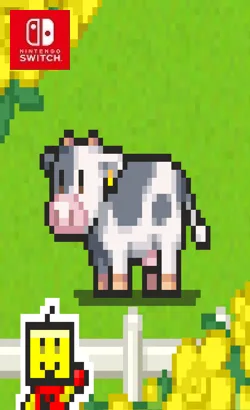
01008E500EDE0000This humble little farm desperately needs a new manager, such as you! Start out by getting some livestock, grow flowers, fruit and vegetables, gradually expanding your fields and increasing the number of staff until you’re ready to open for agritourism. As your farm’s Appeal grows, you will be able to enter a variety of contests. The key to winning is raising the levels of your produce and skillful placement of farm facilities so that they work together as combos. A prize-winning farm is certain to attract even more visitors! Receive photos as gifts from happy visitors or for completing achievements, and exchange them at the FarmMart to obtain a wide range of installations for your farm.
Please report any broken/dead/missing links in the comment section.
Installation & Setup Guide
Option 1: Installing on Nintendo Switch (Atmosphere CFW)
- Download all game archive parts from the mirrors above into a single folder on your PC.
- Extract
part1.rar(or the single archive) using 7-Zip to get the.nsp,.nsz, or.xcifile. - Connect your Nintendo Switch to your computer with a USB-C cable and launch DBI on the console.
- Select Run MTP Responder in DBI, then drag-and-drop the ROM file into the MicroSD install drive.
- Wait for the install bar to reach 100%, disconnect the USB cable, and launch the game from the Switch Home Menu!
Option 2: Playing on PC / Android (Ryujinx, Sudachi, or Suyu Emulator)
- Download and extract the game archive to obtain the
.nspor.xcifile. - Open your Switch emulator (such as Ryujinx or Sudachi) and ensure your
prod.keysand firmware are updated to the required version. - Click File > Load Application (or configure your game directory) and select the game file.
- Configure your controller under Input settings and start playing!


Explore the complete catalog in our Nintendo Switch Games and Full Game Index.















