



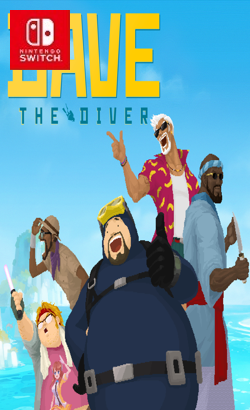
010097F018538000DAVE THE DIVER is a casual, single-player adventure RPG featuring deep-sea exploration and fishing during the day and sushi restaurant management at night. Join Dave and his quirky friends as they seek to uncover the secrets of the mysterious Blue Hole. An adventure, RPG, management hybrid Explore and unravel the mysteries in the depths of the Blue Hole by day and run a successful exotic sushi restaurant by night. It’s easy to get hooked on the satisfying gameplay loop! Casual combat and gathering gameplay with rogue-like elements Dive into the ever-changing Blue Hole and use a harpoon and other weapons to catch fish and various creatures.
Update v1.0.6.1250 (v2883584)
Update v1.0.6.1256 (v2949120)
Update v1.0.6.1259 (v3014656)
Please report any broken/dead/missing links in the comment section.
Installation & Setup Guide
Option 1: Installing on Nintendo Switch (Atmosphere CFW)
- Download all game archive parts from the mirrors above into a single folder on your PC.
- Extract
part1.rar(or the single archive) using 7-Zip to get the.nsp,.nsz, or.xcifile. - Connect your Nintendo Switch to your computer with a USB-C cable and launch DBI on the console.
- Select Run MTP Responder in DBI, then drag-and-drop the ROM file into the MicroSD install drive.
- Wait for the install bar to reach 100%, disconnect the USB cable, and launch the game from the Switch Home Menu!
Option 2: Playing on PC / Android (Ryujinx, Sudachi, or Suyu Emulator)
- Download and extract the game archive to obtain the
.nspor.xcifile. - Open your Switch emulator (such as Ryujinx or Sudachi) and ensure your
prod.keysand firmware are updated to the required version. - Click File > Load Application (or configure your game directory) and select the game file.
- Configure your controller under Input settings and start playing!


Explore the complete catalog in our Nintendo Switch Games and Full Game Index.















